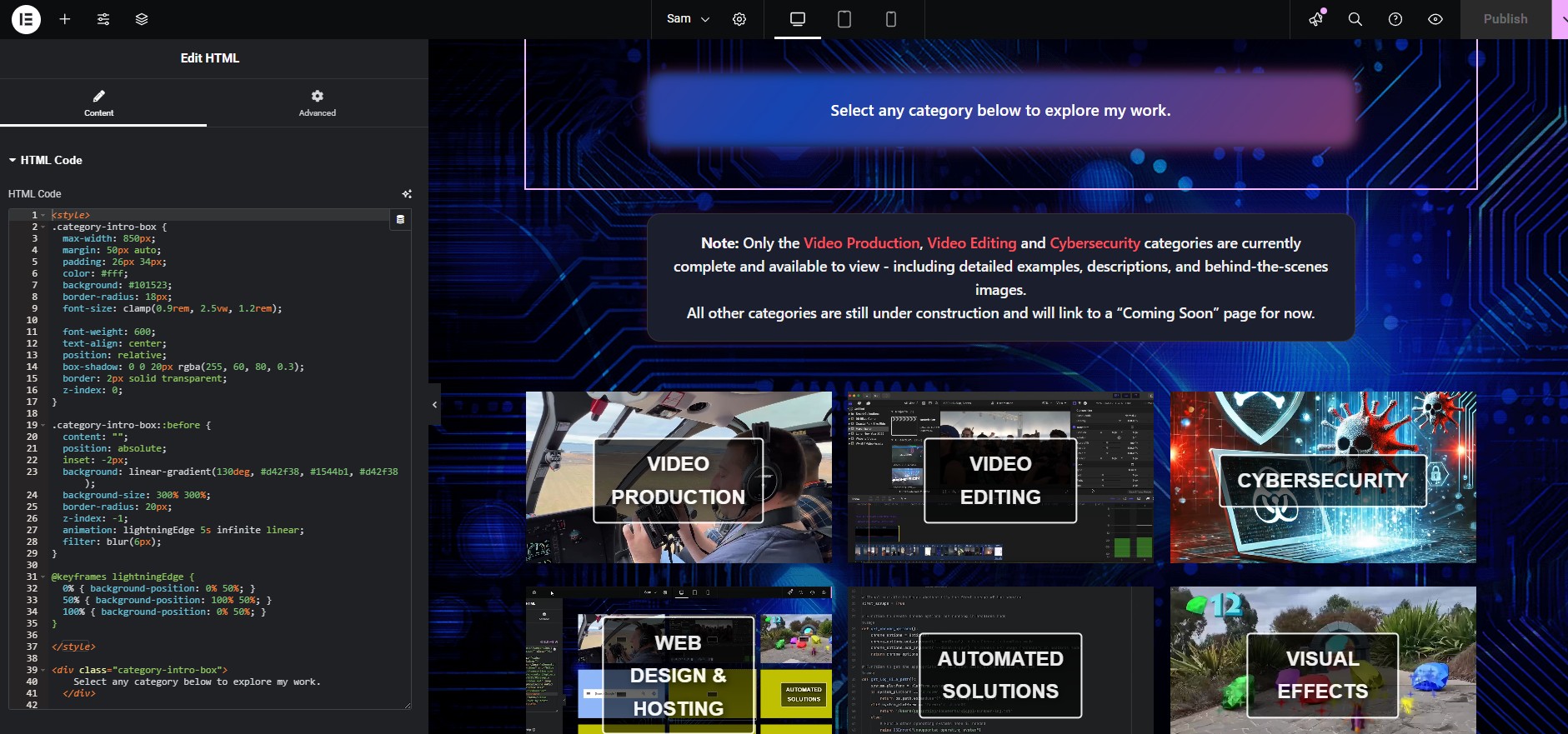
Why I Built My Own Portfolio Website
When I set out to create my personal portfolio website, I had two main goals:
- Keep costs as low as possible.
- Take full control of the setup, hosting, and security by running it on my own hardware.
This project became more than just a website - it was a hands-on experiment in web hosting, cybersecurity, automation, and cost optimisation.
Hardware & Operating System
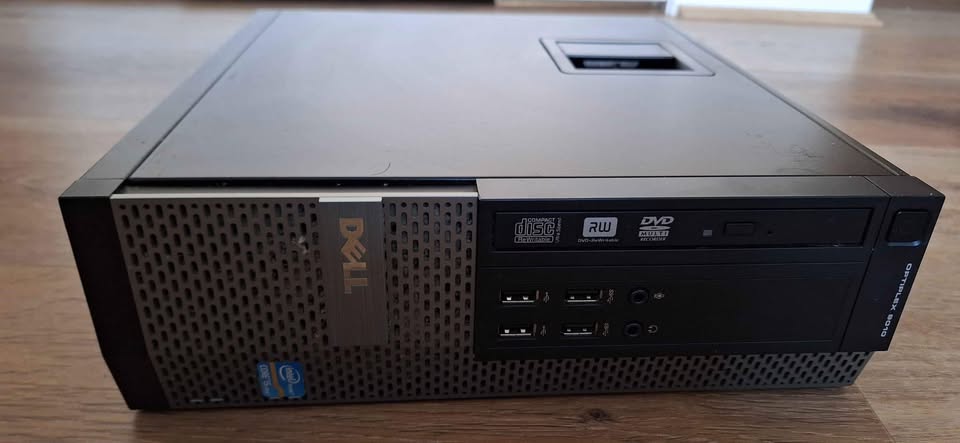
To get started, I purchased a second-hand desktop PC for $75 from Facebook Marketplace. It came preloaded with Windows 10, but since I wanted a stable, server-friendly OS, I replaced it with Ubuntu Linux.
This machine became my dedicated web server, running Apache2 and Nginx.
Domain & Hosting Setup
Next, I purchased my domain - samsortino.com - which remains my only ongoing expense at about $17 per year.
Instead of paying for external hosting, the site runs directly from my home server.
Securing Remote Access with Cloudflare Tunnel
Since I was hosting from home, I didn’t want to open ports on my ISP connection. That would have introduced unnecessary security risks to other devices on my network.
To solve this, I set up a Cloudflare Tunnel, which allows traffic to securely route through Cloudflare’s infrastructure without exposing my home IP address or opening inbound ports.
Enabling HTTPS with Let’s Encrypt SSL
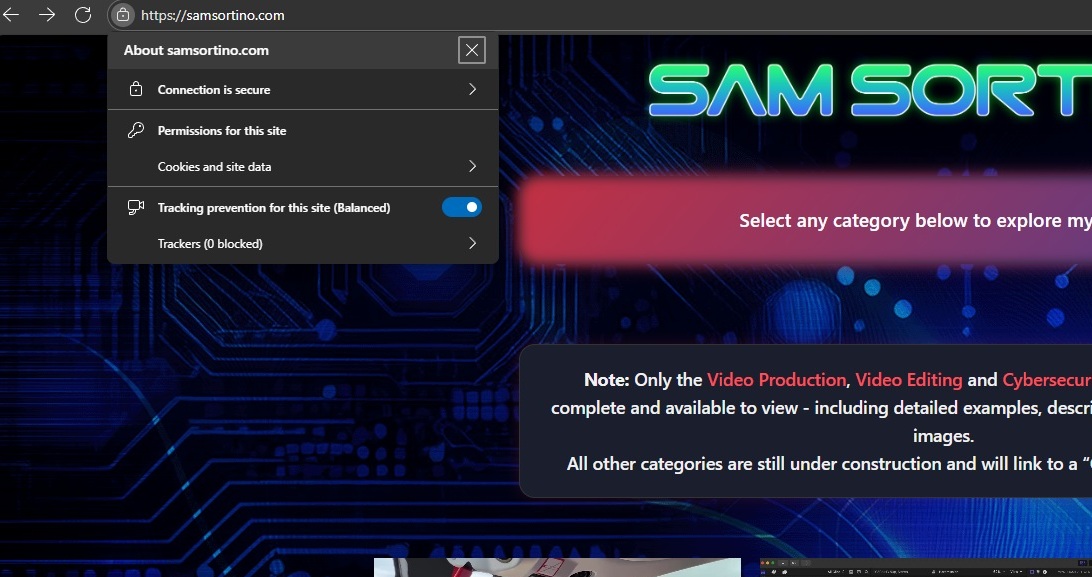
A modern website must have HTTPS enabled. I achieved this by configuring a free SSL certificate with Let’s Encrypt.
The process involved:
- Installing Certbot on my Ubuntu server.
- Running Certbot to generate and install the SSL certificate for samsortino.com.
- Setting up automated certificate renewal so my SSL stays valid without manual intervention.
This gave me secure, encrypted connections for all visitors - at no cost.
Custom Email Setup
I also wanted email addresses from my domain, such as [email protected]. Buying email hosting through a domain provider was costly, so I found an alternative.
Using ImprovMX, I configured free email forwarding from *@samsortino.com to my personal inbox. This way, I can send and receive mail using my domain identity without paying for premium email hosting.
Cybersecurity Challenges & Mitigations
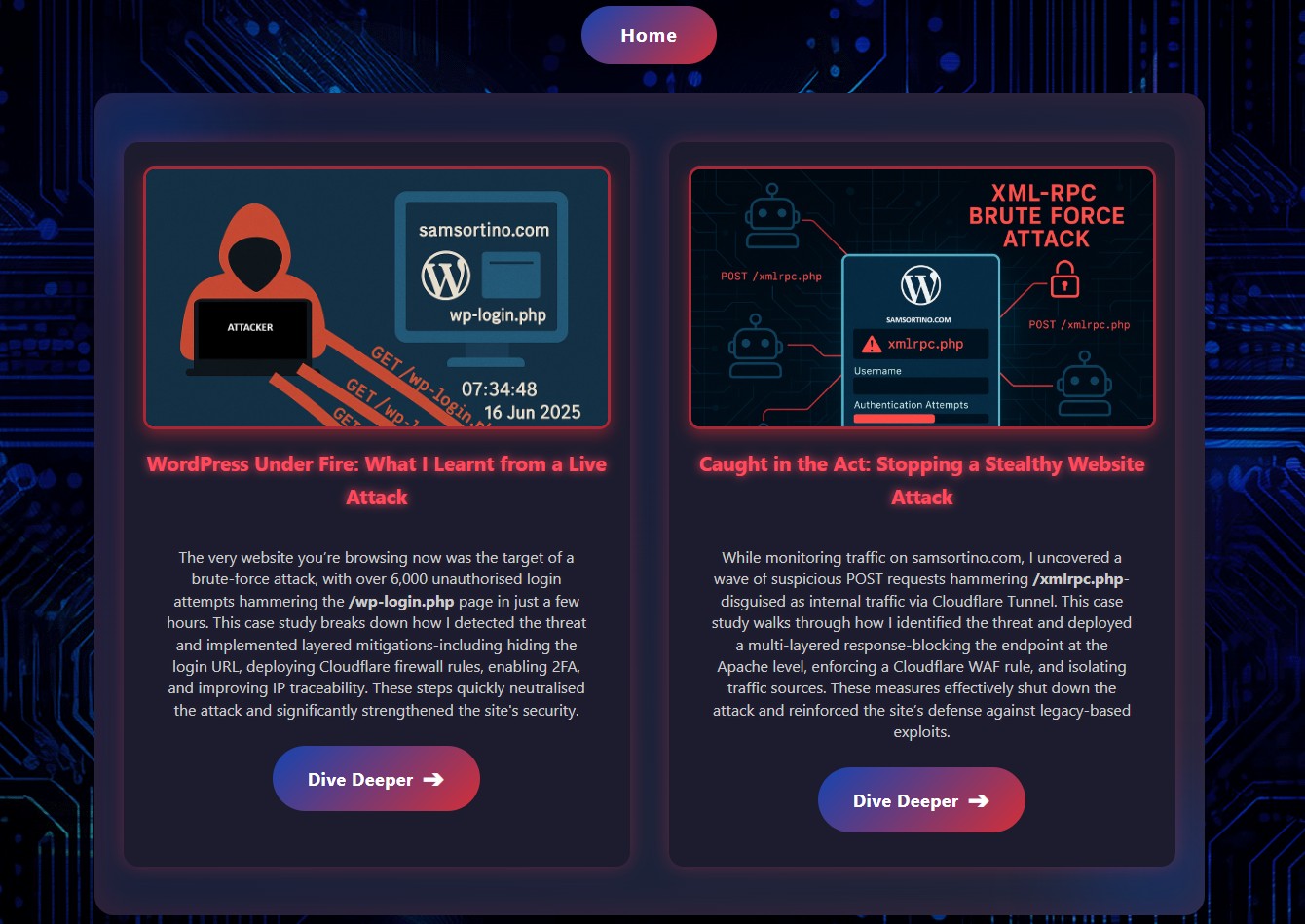
Running my own server meant dealing with real-world cyber threats. Within weeks, I encountered two common types of automated WordPress attacks:
- XML-RPC brute force attacks
- wp-login.php brute force attempts
I built a multi-layered defense system:
- Blocking endpoints at the Apache level.
- Enforcing firewall rules with Cloudflare WAF.
- Configuring additional restrictions in Apache.
I later turned these incidents into detailed case studies under my Cybersecurity category.
Backup Automation
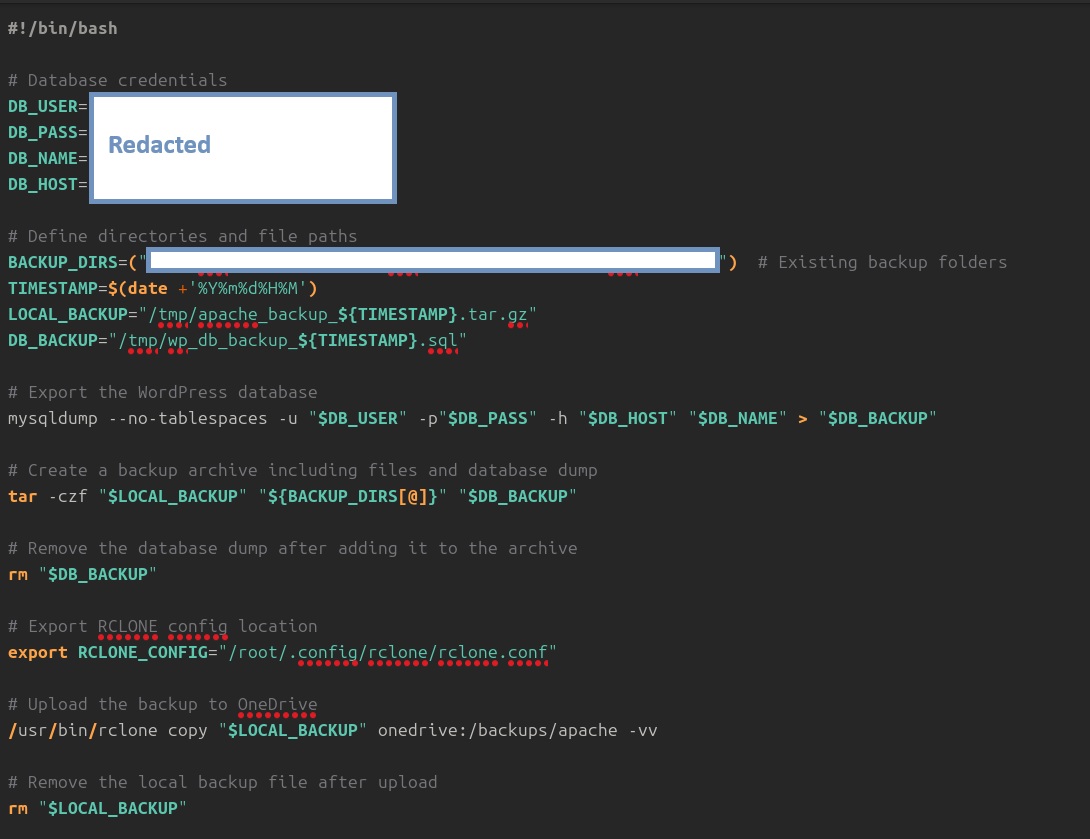
To ensure reliability, I wrote automated scripts to back up critical files and databases from my server. These backups are uploaded to OneDrive at regular intervals - a free solution that ensures redundancy without needing costly third-party backup services.
Conclusion
By building and hosting my website entirely on my own hardware and infrastructure, I achieved a fully functional, secure, and professional portfolio with an annual cost of just $17 for the domain.
This project combined hardware setup, server administration, cybersecurity, automation, and design - reflecting the very skills I showcase within the portfolio itself.